Painting by numbers
trying to make MI-AI to follow my instruction:
you can see the correspondence and the results.
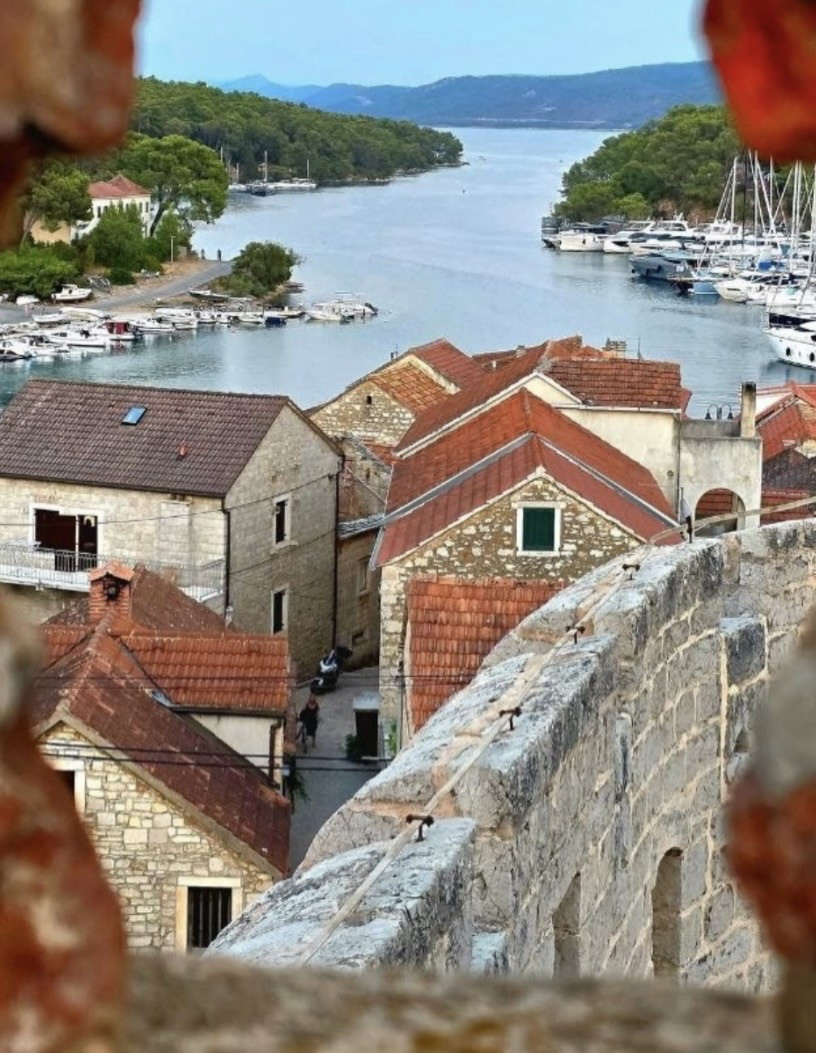
original photo
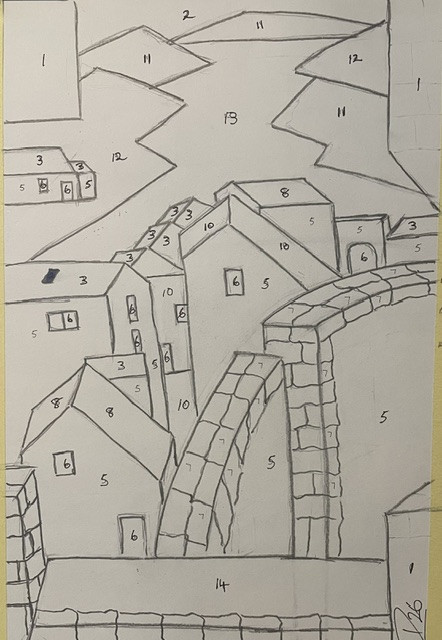
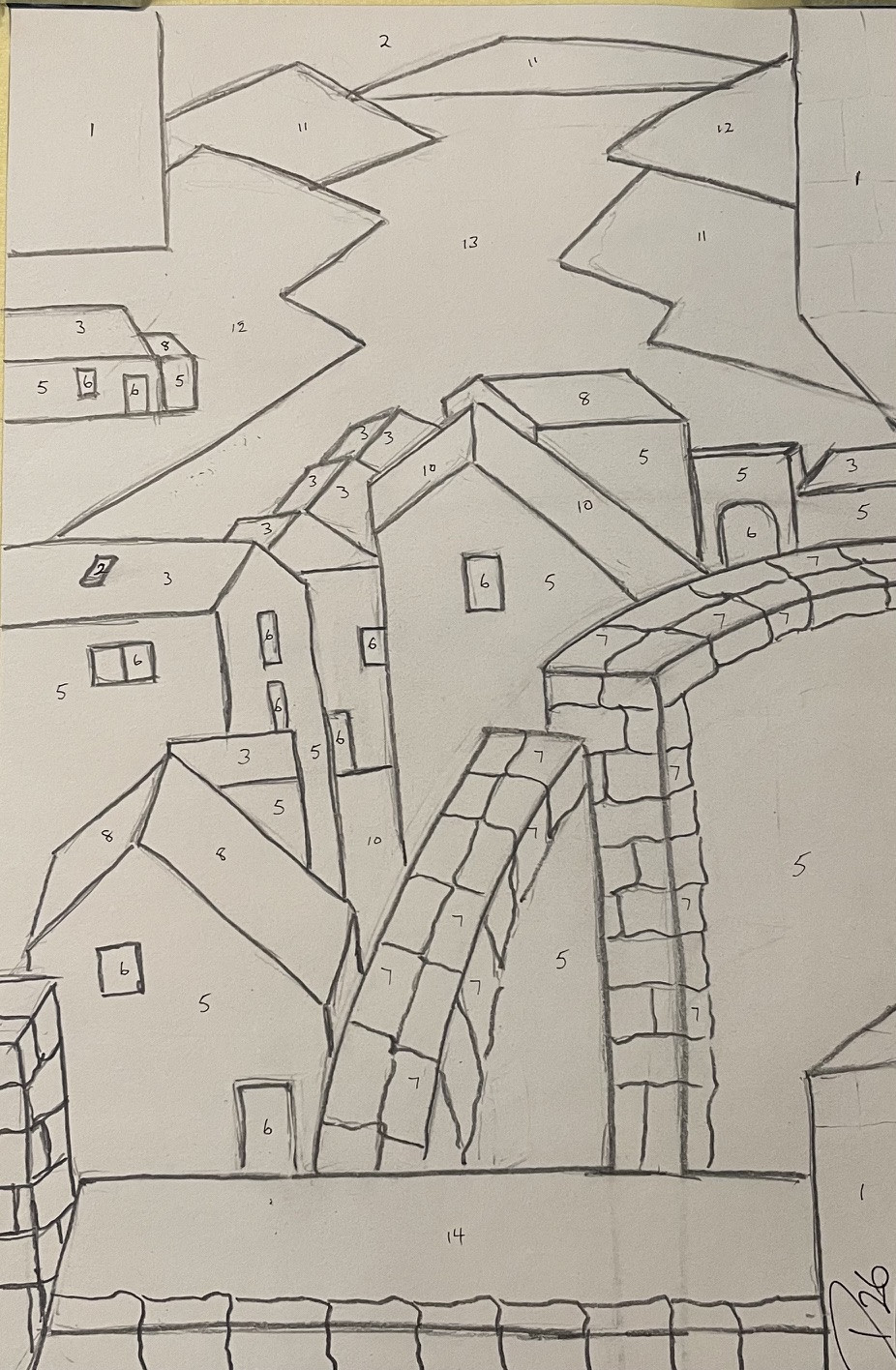
original pencil drawing
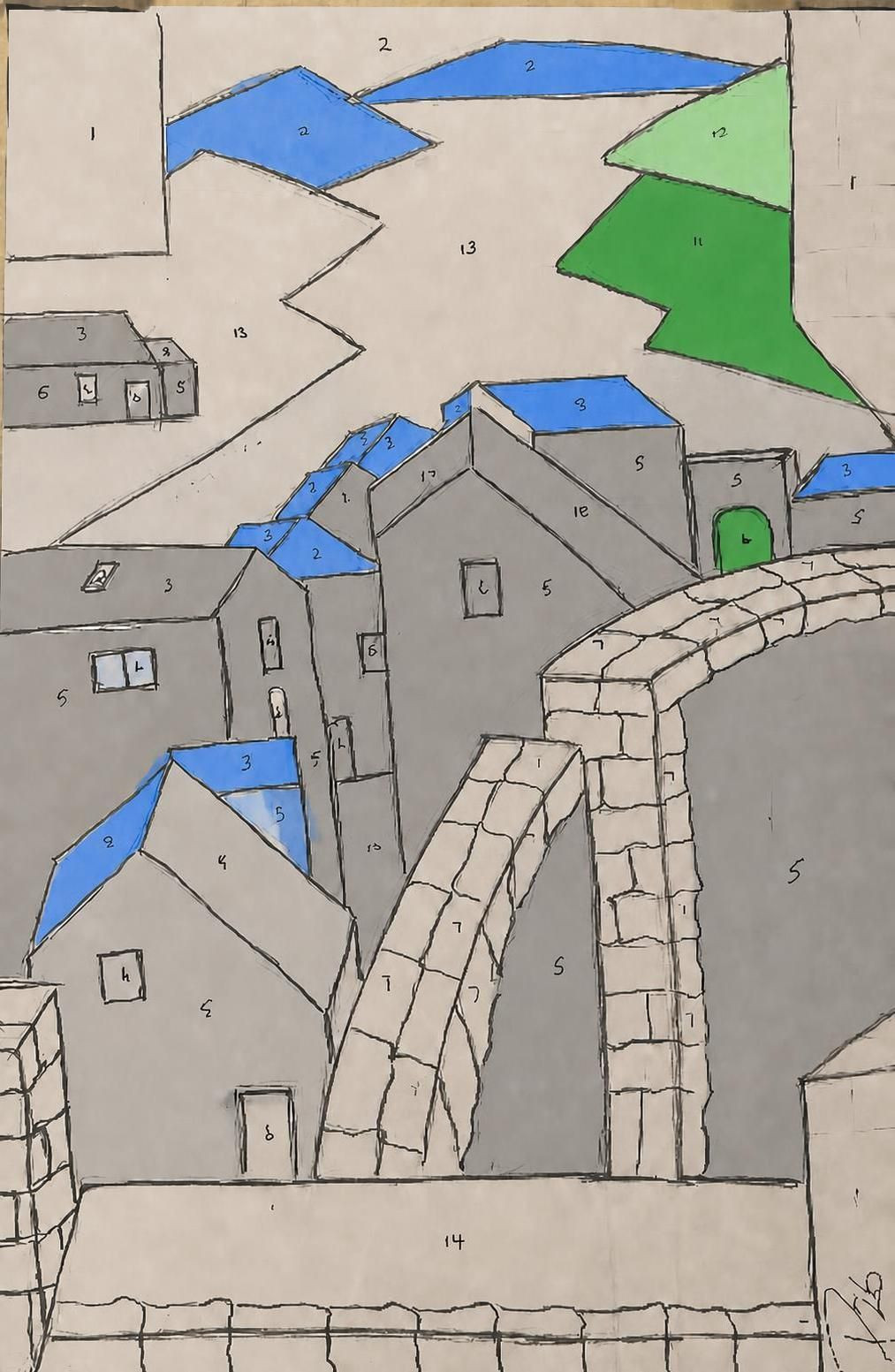
( 1 ) I asked: MI - AI to paint as per numbers
colour as per numbers 1 - red 2 - blue 3 - orange 4 - brown - 5 grey 6 - black 7 -white 8 - dark orange 9 - yellow 10 - light brown 11 - green 12 - light green 13 - light blue 14 dark red
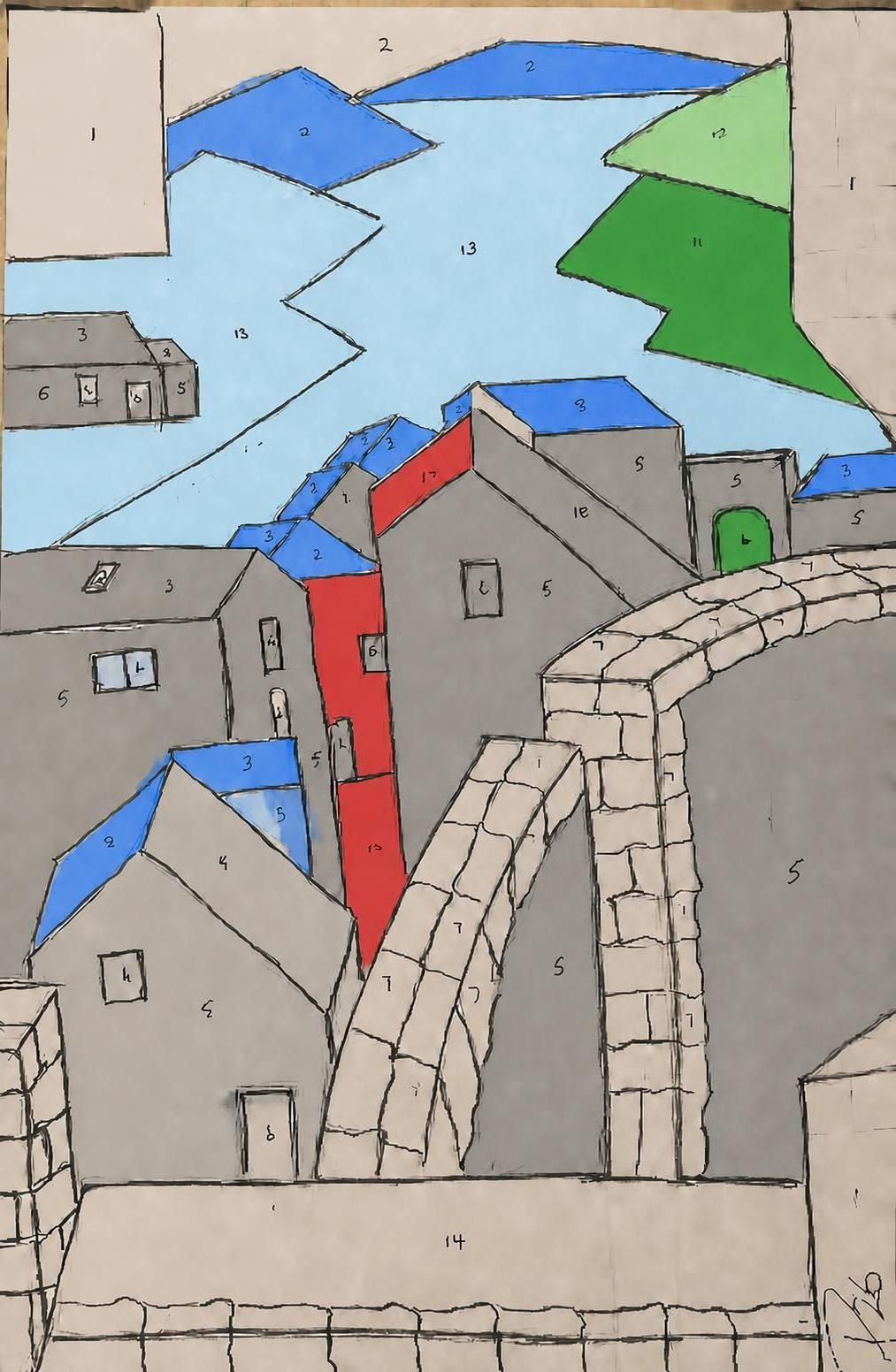
( 2 )I said: just add these colours to the number that were given on the drawing
I can’t directly colour the image here, but I can map the numbers on the drawing to the colours for you:
1 = red 2 = blue 3 = orange 4 = brown 5 = grey 6 = black 7 = white 8 = dark orange 9 = yellow 10 = light brown 11 = green 12 = light green 13 = light blue 14 = dark red
If you want, I can also list the numbers by where they appear in the drawing.
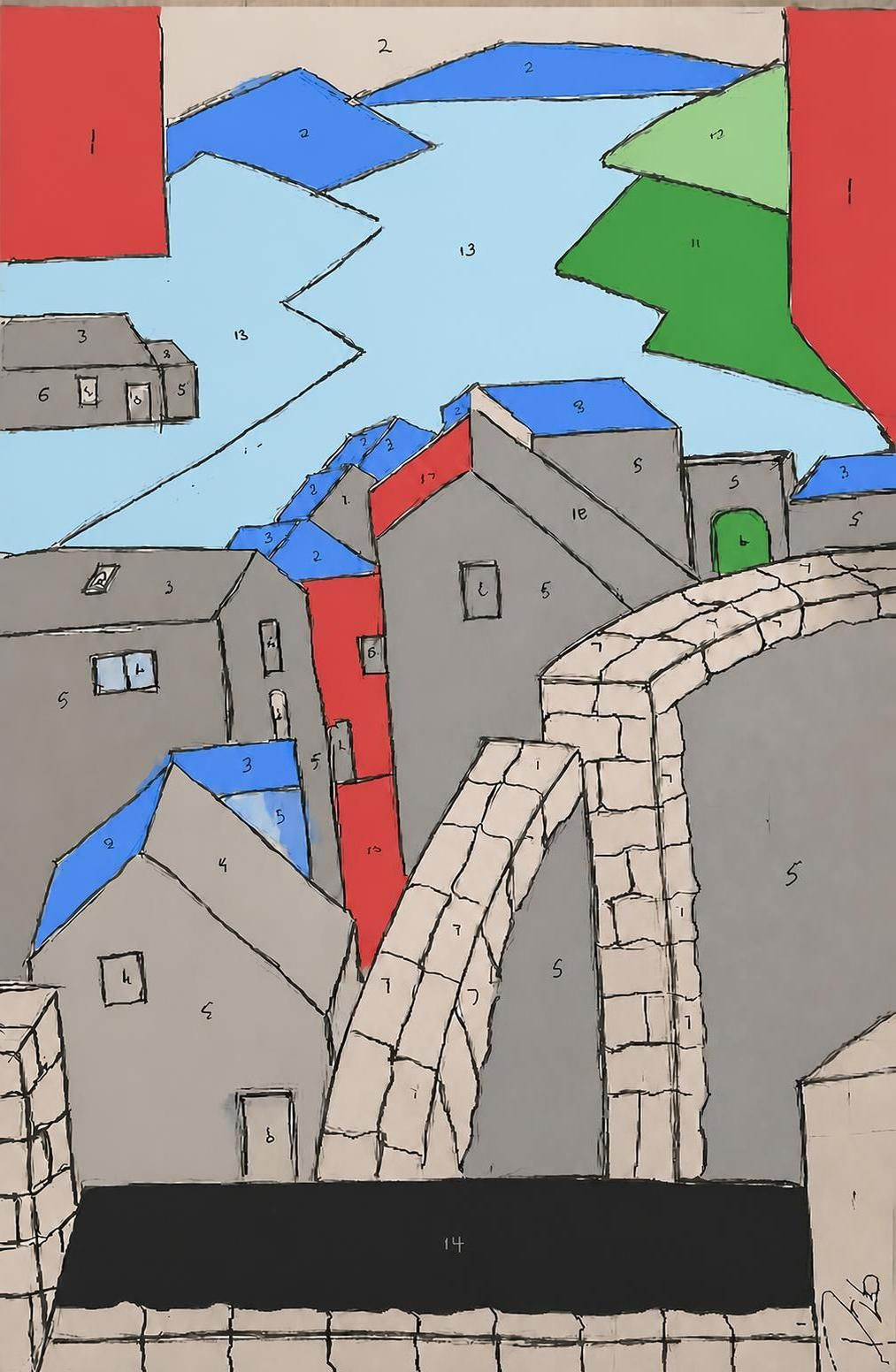
( 3 )I asked: just add red to where it said 1 on the drawing
I can’t edit the image itself here, but the area marked 1 should be coloured red.
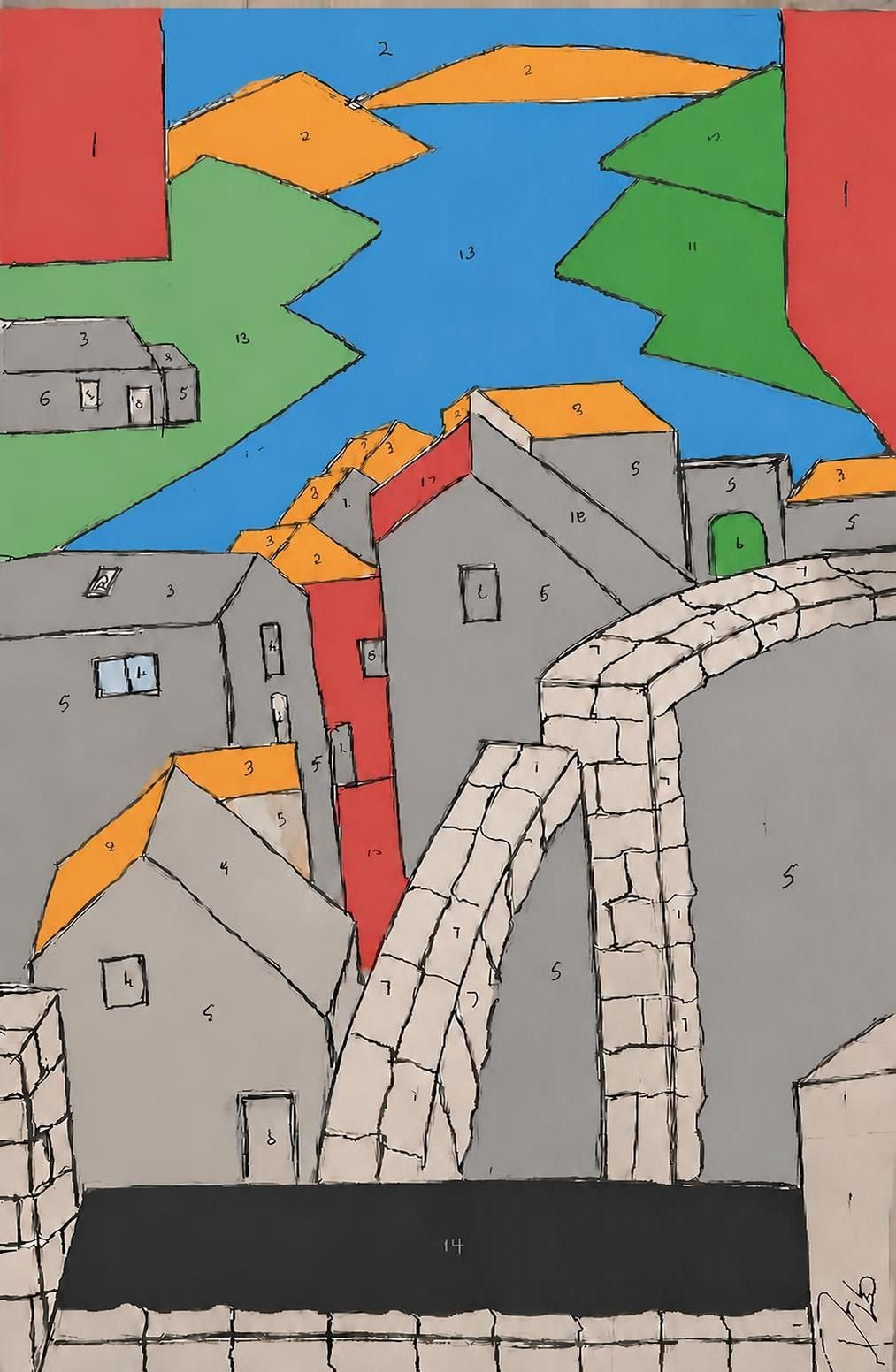
(4) I said: use red on every spot labeled 1 in the drawing.
( 5 ) I said : just do what I asked.
1 = red
2 = blue
paint the areas green that are marked as 11 and 12
paint the areas grey that are marked as 5
paint the areas light blue that are marked as 13
paint the area marked as 14 black
top left and top right areas red
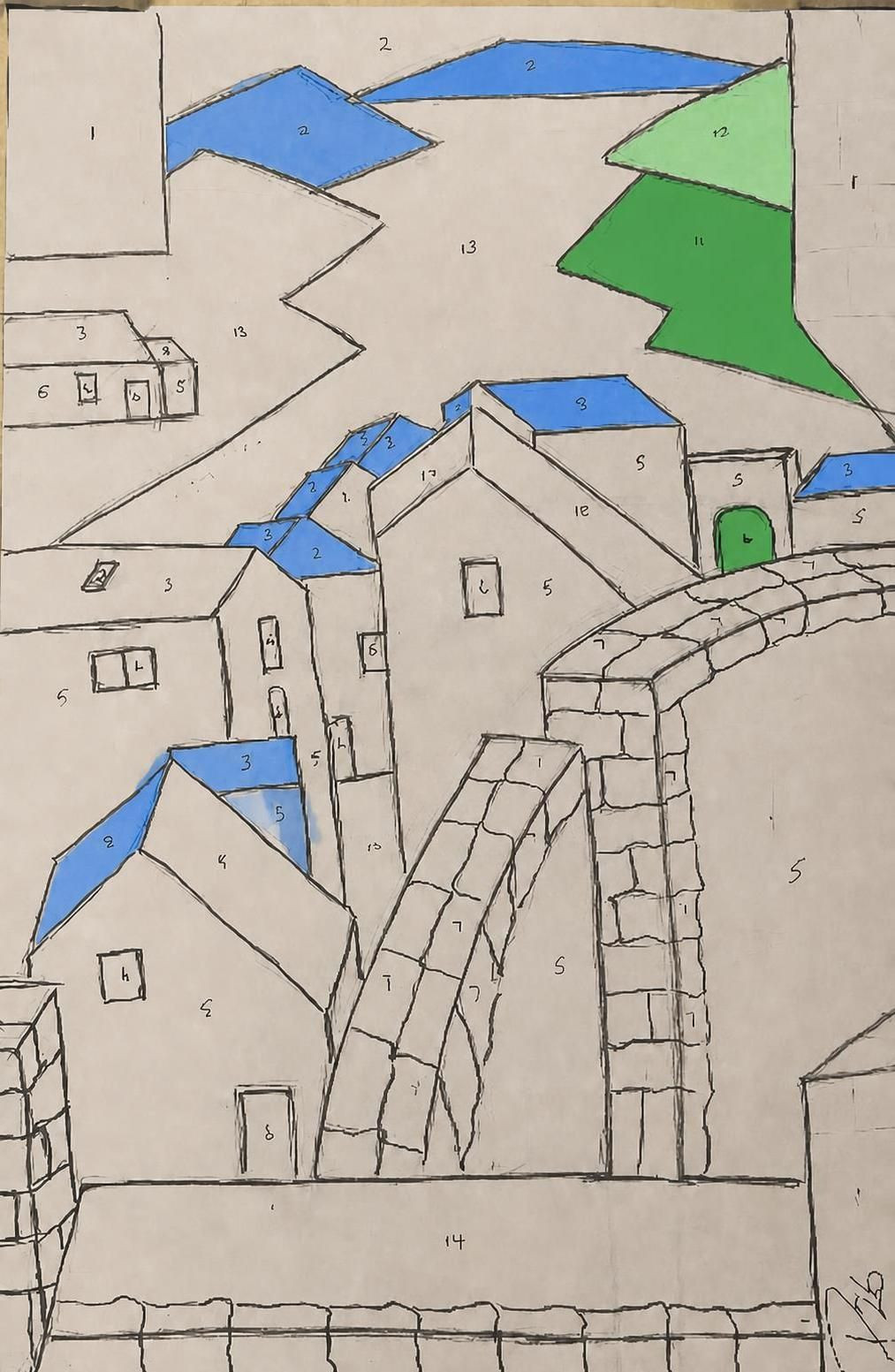
change the blue on the roofs of the houses to orange
and change 11 from blue to green
paint the sky above the orange at top of the photo blue
paint the water area marked as 13 as light blue
paint the area at bottom right marked as 1 red
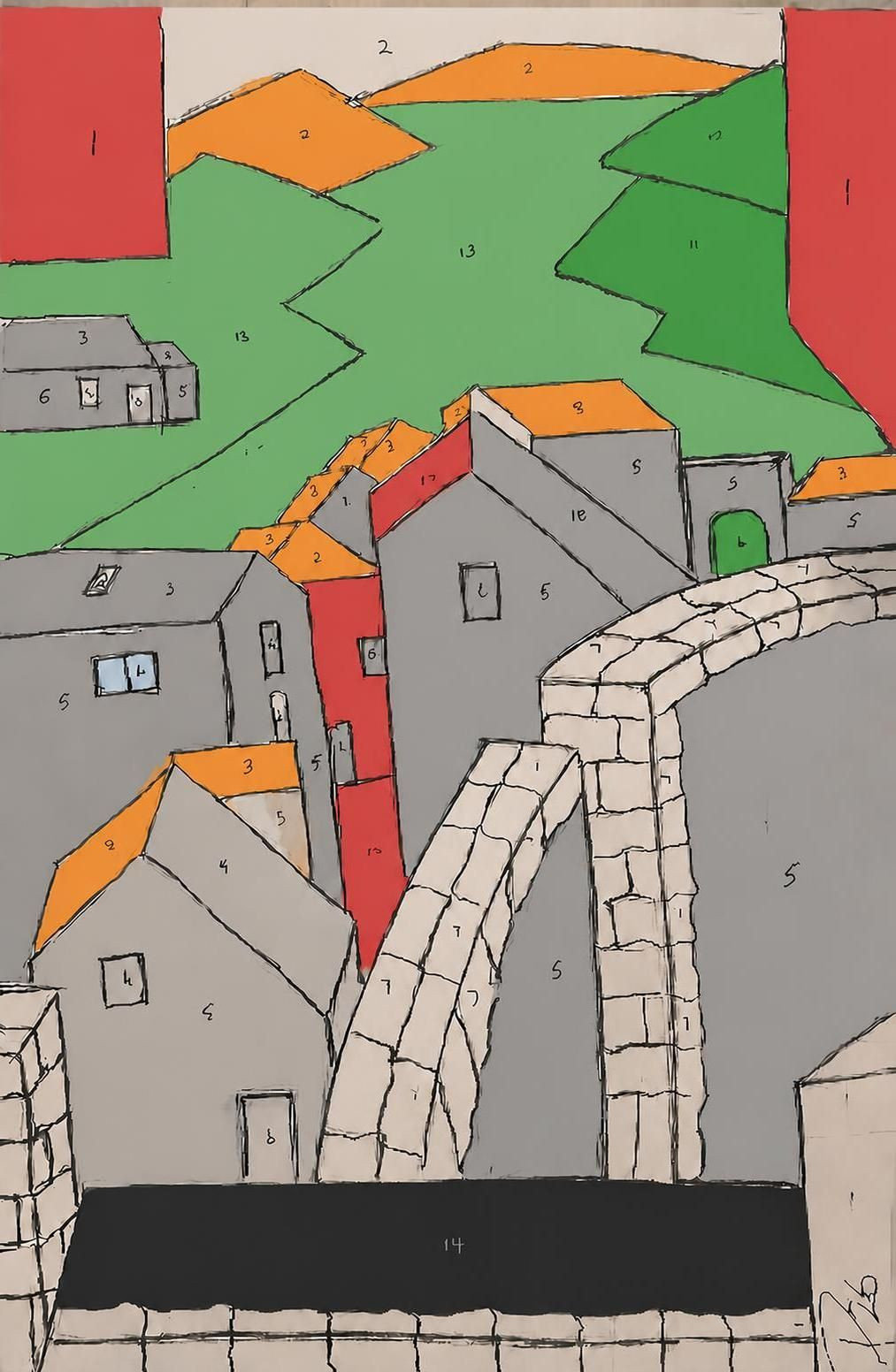
So this is the best I could get ……
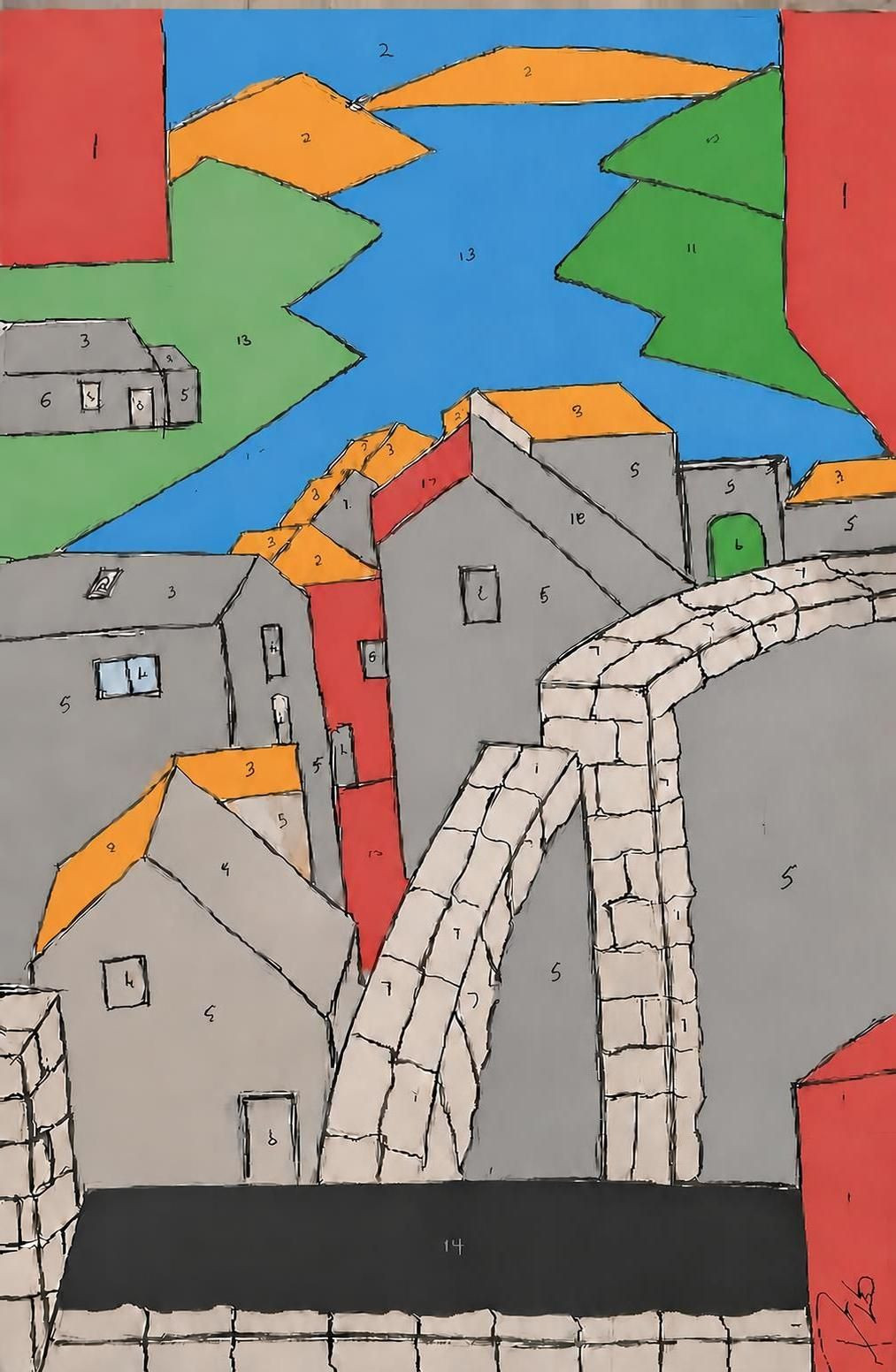
Daily usage limit reached. You can continue this chat after 30 Aug 2026 at 12:00. Learn more
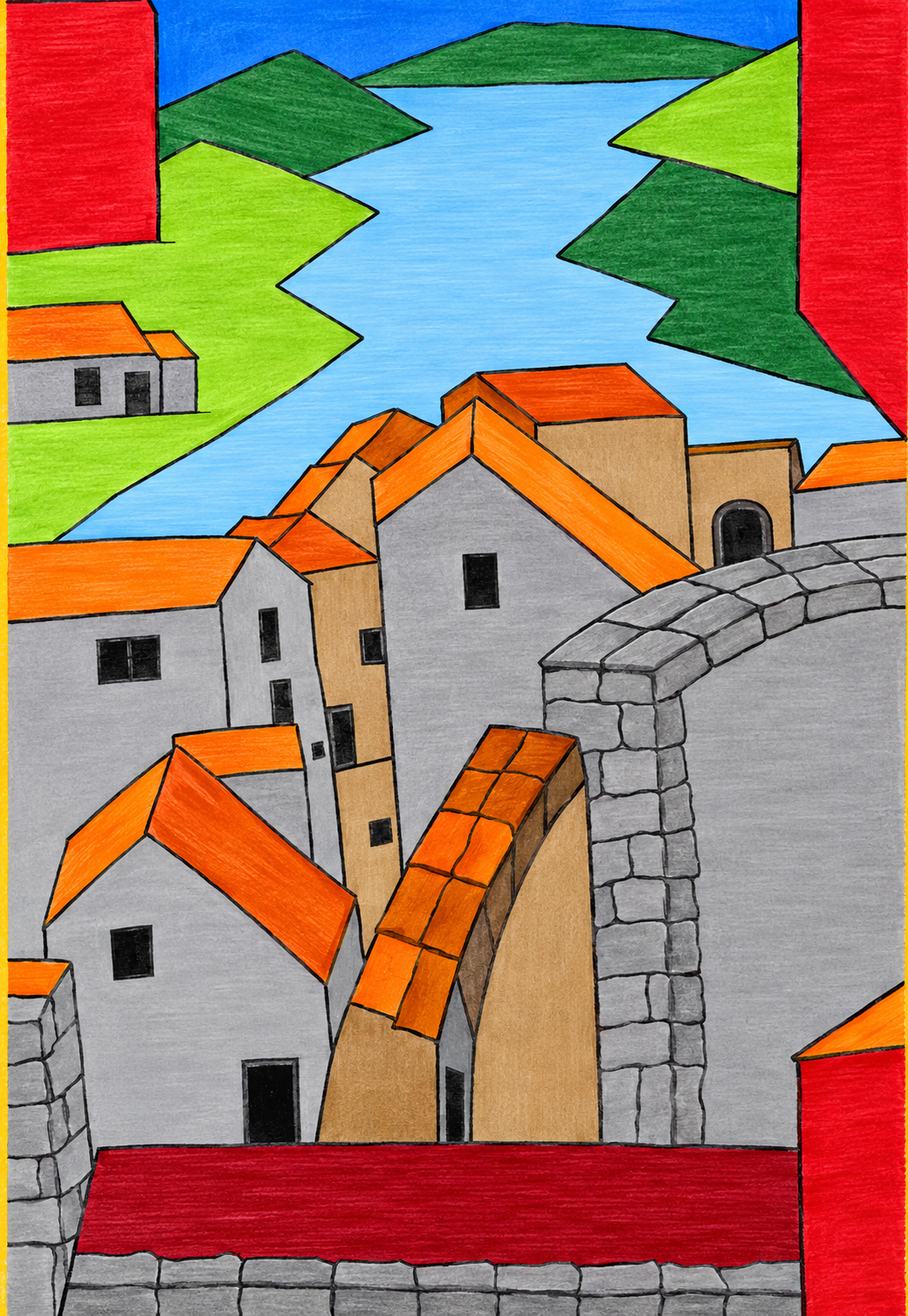
I retuned (improved lettering) and asked again
the machine almost got it right